Convert Product URLs into Video Ads
Use a product page URL to create a new promotional video. This converter workflow is built for ecommerce ads, not downloading videos from links.
- Best for product pages, landing pages, Shopify URLs, and Amazon listings.
- Turn page copy and images into ad scripts, scenes, and captions.
- Filter out downloader intent and focus on product video creation.
This tool direction does not download videos from URLs. It converts product page information into new ad creative.
UGC concept previews
Generated from one product page
Watch it work in seconds.
My morning drink stays ready.
Three looks from one listing.
1
product input
12
hook ideas
5
script angles
3
video concepts
Visual output
Creator-style previews that make the product feel real
Instead of explaining UGC ads with copy alone, show the exact kind of vertical ad drafts a buyer expects to test: creator, product, hook, caption, and CTA direction.
Fictional demo products now. Replace with real output videos when ready.
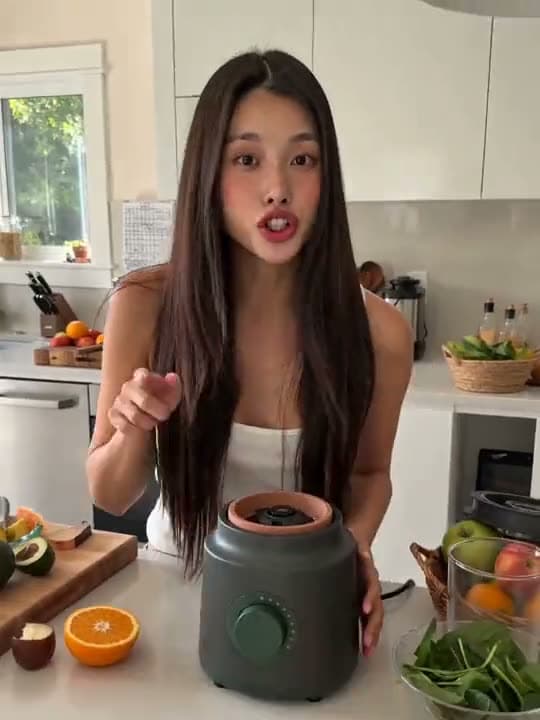
Kitchen appliance demo
Creator intro, countertop demo, product close-up, soft CTA.
Tumbler drink pitch
Creator hold, product angle, quick use case, caption-ready ending.
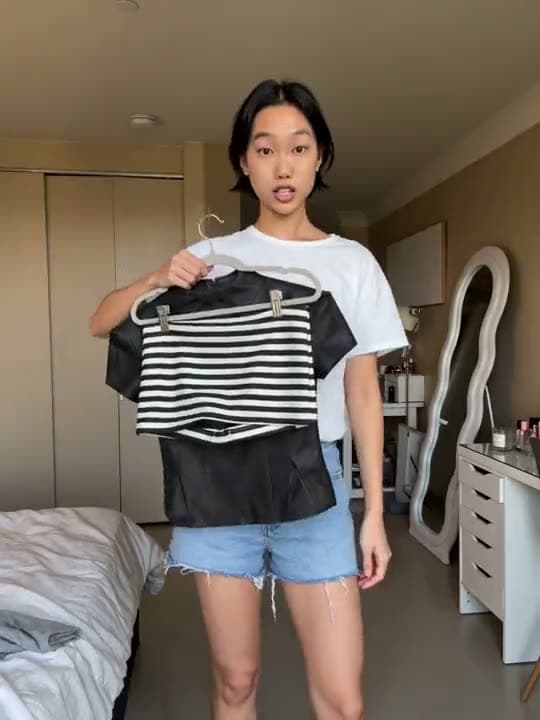
Fashion try-on
Outfit reveal, creator reaction, styling proof, shopping CTA.
Jewelry unboxing
Package reveal, product detail, giftable angle, review-style proof.
Phone case demo
Hands-on product reveal, texture close-up, creator-led hook.
Matcha drink routine
Lifestyle routine, product-in-hand proof, bright native ad feel.
Product-led
Each concept starts from a product page.
Ad-native
Hooks, proof beats, and CTA are visible.
Ecommerce-ready
Built for stores, listings, and paid social.
AI-assisted
Outputs feel generated, not manually briefed.
How it works
Product URL to ad concepts
The flow should feel instant: paste a product page, choose the creator-style angle, then review test-ready hooks, scripts, captions, and video concepts.
Enter a product URL
Use a URL that contains a clear product, benefit, and visual source.
Select conversion goal
Choose product showcase, UGC ad, testimonial, or offer-led creative.
Receive video ad building blocks
Get script sections, visual notes, captions, and a CTA direction.

Insulated travel bottle
Offer, use case, product texture, and customer pain points extracted.

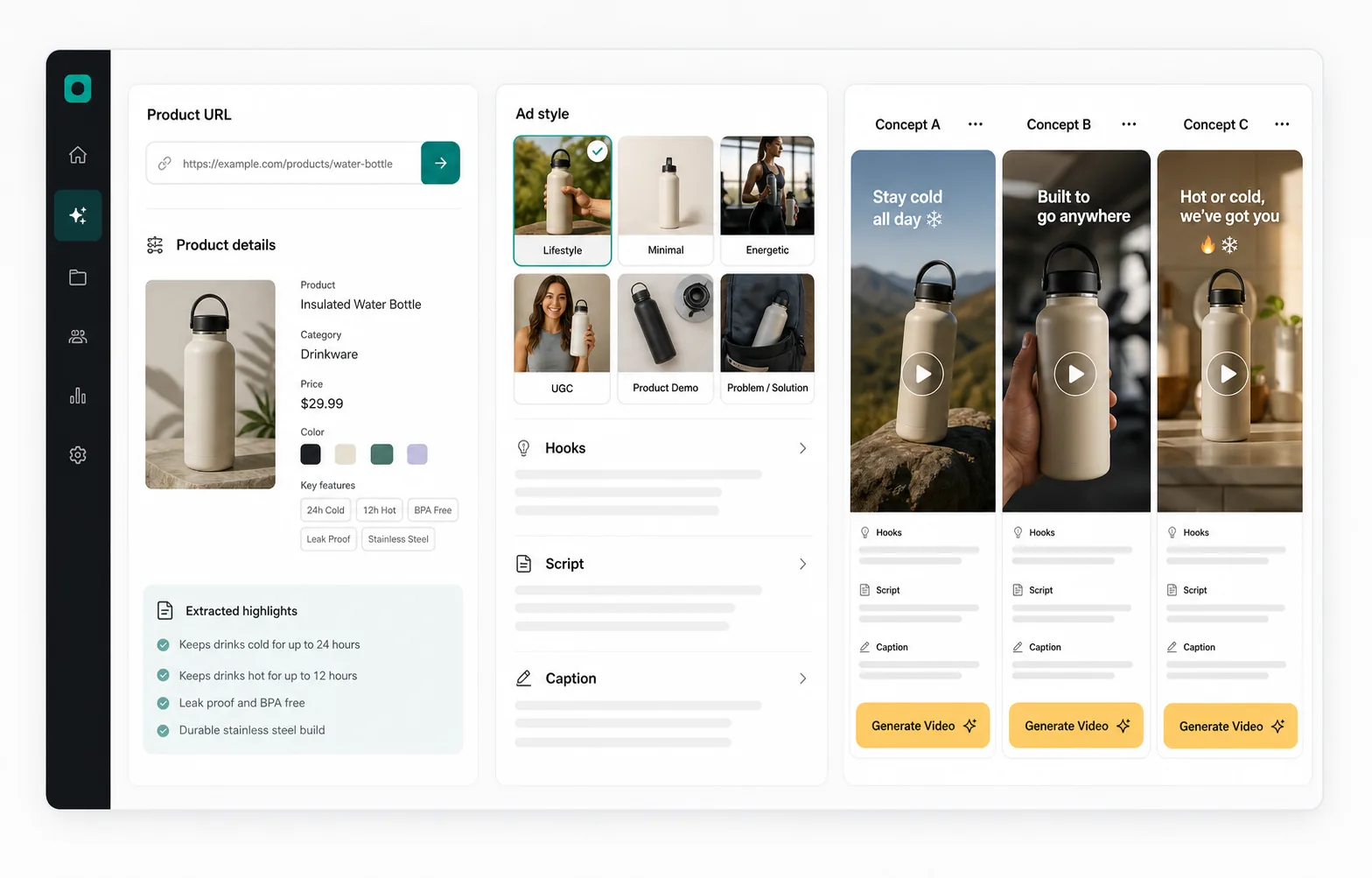
Hero generation loop
Product URL pasted, details extracted, concepts appear in a phone frame.
/videos/ugc/hero-product-to-ad-loop.mp4
Creator product demos
Short UGC loops for skincare, gadget, and travel bottle preview cards.
/videos/ugc/skincare-serum-creator-loop.mp4
Dashboard motion
Landscape UI motion showing input, ad style, hooks, script, and concepts.
/videos/ugc/workflow-dashboard-motion.mp4
Creative controls
Take Full Control of the Outcome
Make the output feel directed, not random. Control the product source, creator, video settings, script, generation pass, and launch-ready variants from one visual flow.
Start with the product page
Paste a product URL, attach images, and turn raw listing details into a usable ad brief.
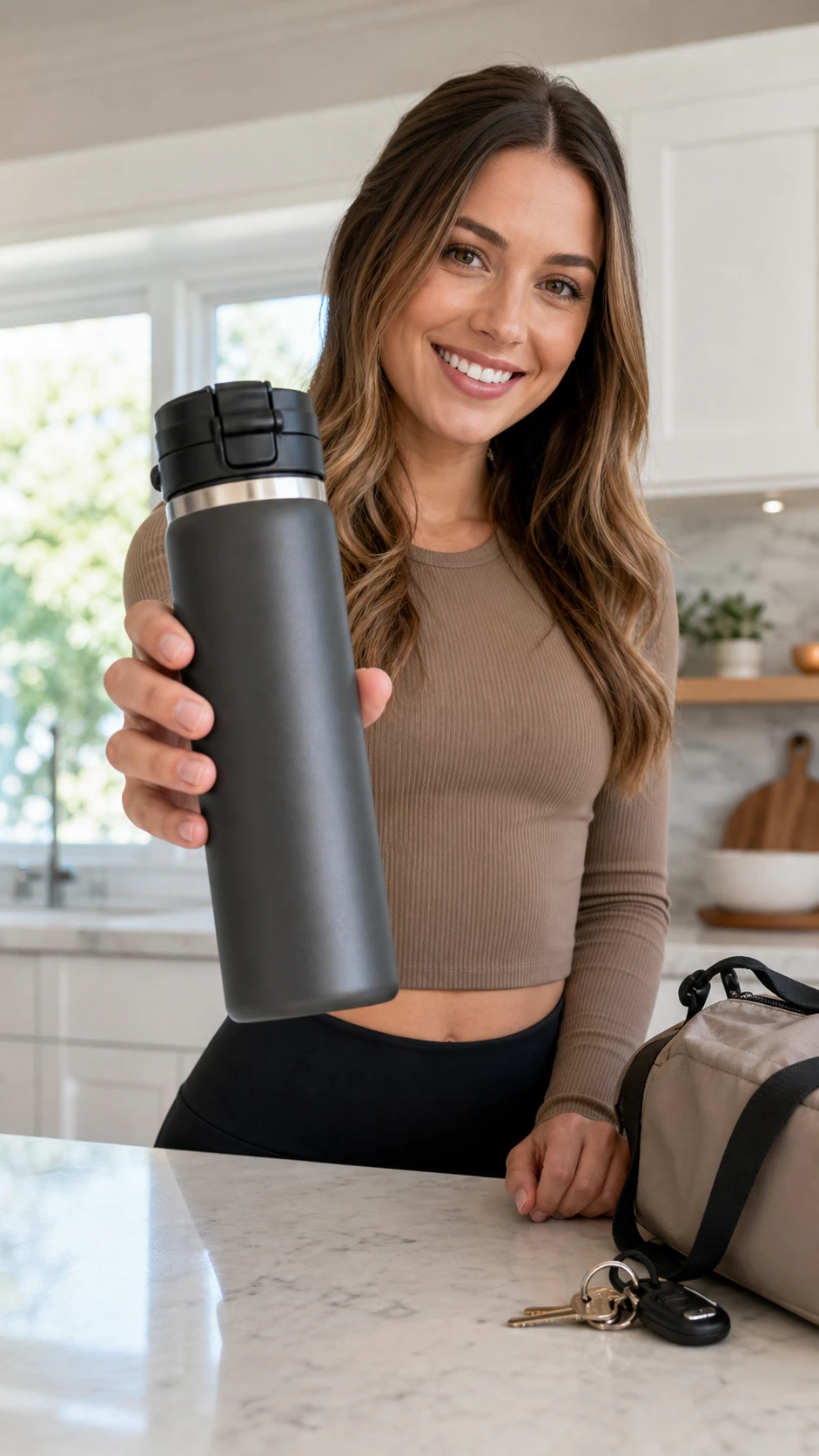
Insulated travel bottle
Extracted offer, use cases, objections, and visual proof points.
Choose the creator style before the system writes and frames the ad.

Beauty

Gadget

Lifestyle
Hook: I stopped buying disposable bottles after trying this.
Proof: show condensation, bag test, and day-long routine.
Compare variants before spending
Export winning concepts, keep the prompts, and hand the best variant to your ad workflow.
Hook A
Problem / solution
Hook B
Offer-led angle
Export
Script + video brief

Ready for review
Hooks, captions, creator direction, and video prompt are assembled.
Converter versus downloader
A product URL converter creates new ads instead of saving existing media
Downloader tools are useful when the goal is to save an existing video file. This page is for a different user: an ecommerce marketer who has a product page and wants new promotional creative.
The converter language is still useful because users often describe the desired workflow as converting a URL into a video. The page makes that intent precise: product URL to product ad video.
Product page
A page with product details, visuals, benefits, and offer context.
Landing page
A sales page with positioning, claims, objections, and proof.
Marketplace listing
A listing with images and structured product information.
Examples
Turn common ecommerce URLs into ad-ready creative
A Shopify product URL might become a direct creator testimonial. An Amazon listing might become a problem-solution demo. A landing page might become a founder-style pitch with clear offer framing.
The first release uses these examples to learn which URL sources are most valuable before investing in deeper extraction and video rendering.
Shopify URL
Create a product-specific UGC ad angle from store content.
Amazon URL
Transform listing details into a benefit-led ad concept.
Product landing page
Convert long-form offer copy into a short video script.
Business impact
What AI UGC changes for growth
AI UGC is useful because it makes creative testing less scarce. Instead of waiting for one polished ad at a time, teams can explore more hooks, briefs, and creator-style directions before deciding what deserves real budget.
Use the AI output as a creative operating layer: generate options quickly, spot winners earlier, and spend human time improving the ads most likely to work.
More traffic opportunities
Turn one product page into more hooks, creator angles, and short-form ad variants, so each product has more chances to earn attention.
Faster creative turnaround
Move from product URL to scripts, captions, creator briefs, and scene ideas without waiting on a blank brief or a slow first draft.
Less manual production waste
Use AI drafts to narrow the best angles before spending time on creator booking, editing, or full video production.
More learning per product
Compare multiple angles from the same offer, spot stronger messages faster, and put human effort behind the variants that look most promising.
Early access
Join the waitlist for product URL to UGC video ads
Tell us what you want to create. Product URLs are optional, but they help prioritize the first ecommerce workflows.
FAQ
Questions people ask
Can this download videos from a URL?
No. This is not a downloader. It is a product URL to video ad creation workflow.
What kind of URLs work best?
Product pages, landing pages, Shopify URLs, Amazon listings, and marketplace product pages work best.
Can I create a video from a product page?
That is the primary use case: turn product page content into a new promotional video concept.
Can I use the output for ads?
The planned output is intended for ad creative workflows, but teams should review all claims and rights before publishing.
Why use a converter instead of a video editor?
The converter starts from product page content and creates ad structure first, while a video editor usually starts from blank media assembly.